
Screenshots
App details
- Updated
- Jun 13, 2025
- Language
- English
- Developer
- ghotik
- Category
- Mobile
SoftPas in:
This product is also available in the following languages:
About DxWnd
Download DxWnd – windowed mode, retro gaming, classic games, gaming utility, Windows 95 games, old PC games, DxWnd
Overview
DxWnd is a specialized utility designed to enhance the compatibility and usability of older video games on modern Windows systems. Its primary function is to intercept full-screen applications—especially those developed for Windows 95 and 98—and run them in a resizable, windowed mode without altering their core behavior. This solves a common problem for retro gaming enthusiasts: many classic titles from the 1990s and early 2000s were built to monopolize the entire screen and system resources, making multitasking nearly impossible. With DxWnd, users can now run these games in a window, allowing them to switch between tasks, use other applications, or even stream gameplay without full-screen interference.
The app is particularly valuable for gamers who want to relive nostalgic experiences from the early days of PC gaming. It serves as a bridge between outdated software and modern hardware, ensuring that legacy titles remain playable and enjoyable. While it is not a game emulator, it operates at a system level to modify how applications interact with the display and input devices. This makes it an essential tool for anyone maintaining a retro gaming library or seeking to preserve digital gaming history. The developer did not provide additional technical details about the app’s architecture or underlying mechanisms.
Key Features & Functionality
- Windowed Mode Functionality: DxWnd enables full-screen games to run in a resizable window, allowing users to freely switch between applications and maintain productivity while gaming.
- Compatibility with Legacy Titles: The utility is optimized for games developed for Windows 95 and 98, though it supports a wide range of older PC applications beyond just games.
- System Resource Management: By preventing full-screen monopolization, DxWnd reduces the strain on system resources, improving overall system responsiveness during gameplay.
- Lightweight Configuration: The setup process is straightforward and does not require advanced technical knowledge, making it accessible to both novice and experienced users.
- Non-Invasive Operation: DxWnd does not modify game files or require installation; it runs as a standalone executable that can be configured per application.
For example, a user playing a classic game like Quake or Diablo can now keep their web browser open for strategy guides, or use a chat application to communicate with friends—all without minimizing the game. The utility maintains the original game behavior, including input handling and rendering, so gameplay remains authentic. Although the developer did not list formal performance metrics, users can expect minimal overhead due to the app’s small size of 1.8 MB.
Interface, UX & Performance
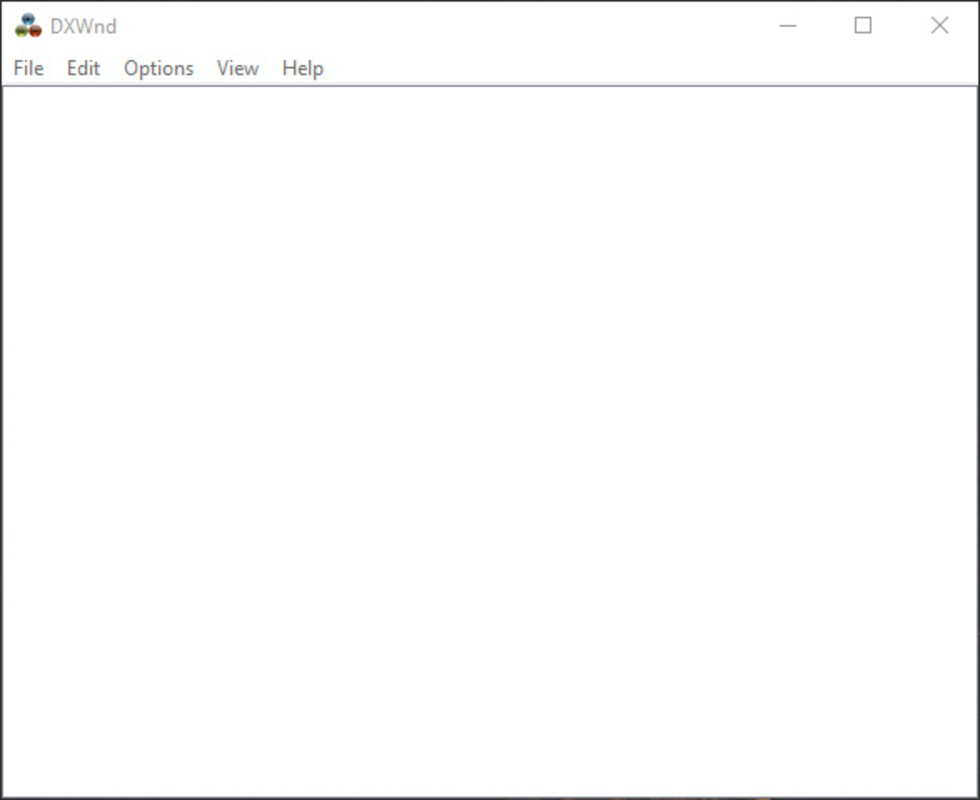
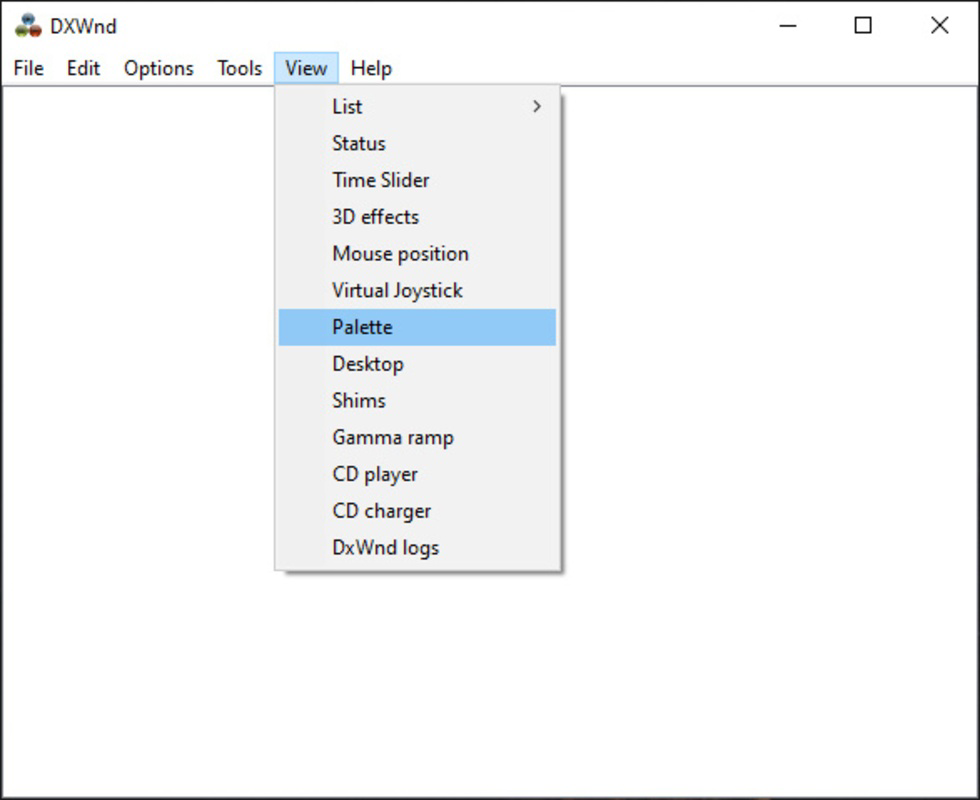
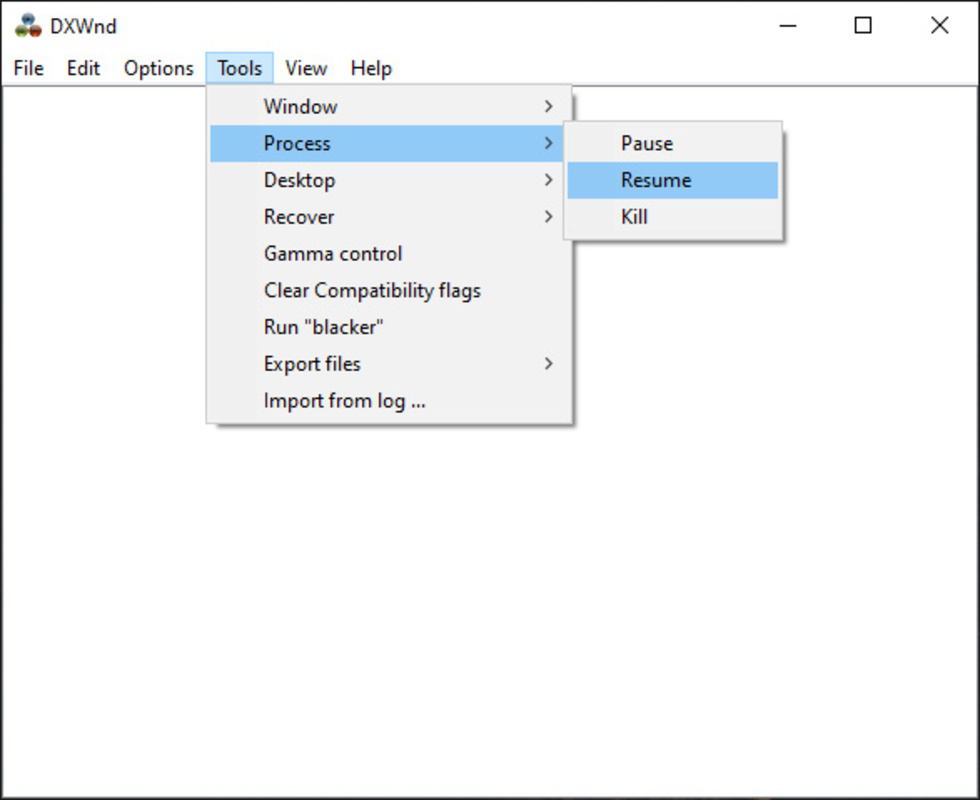
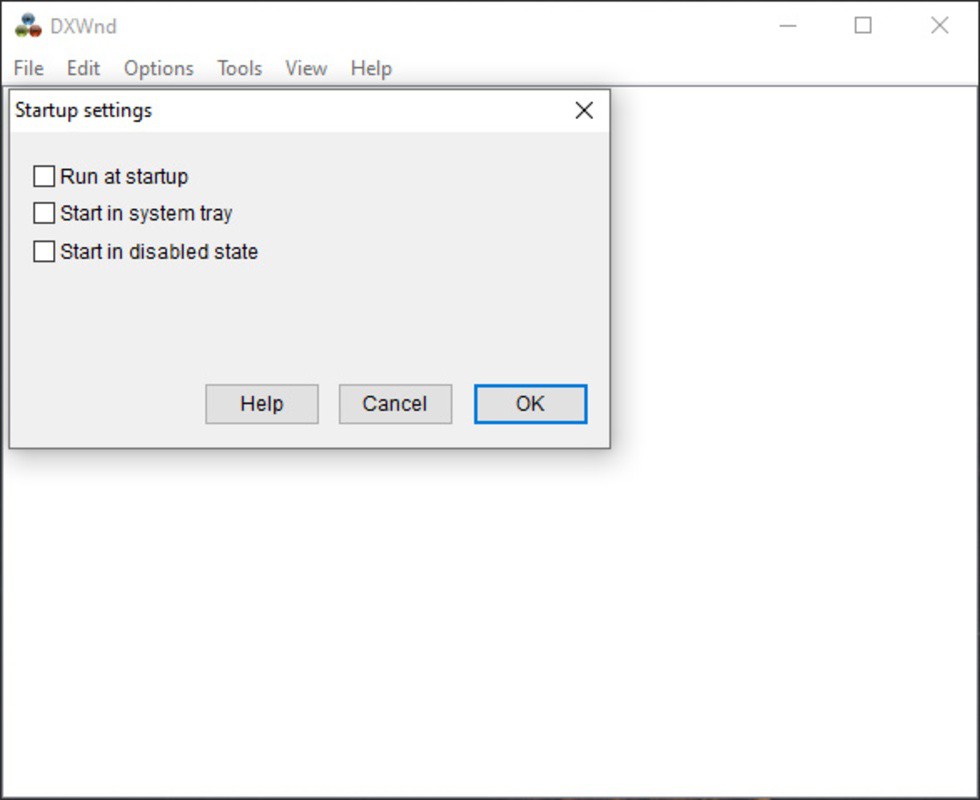
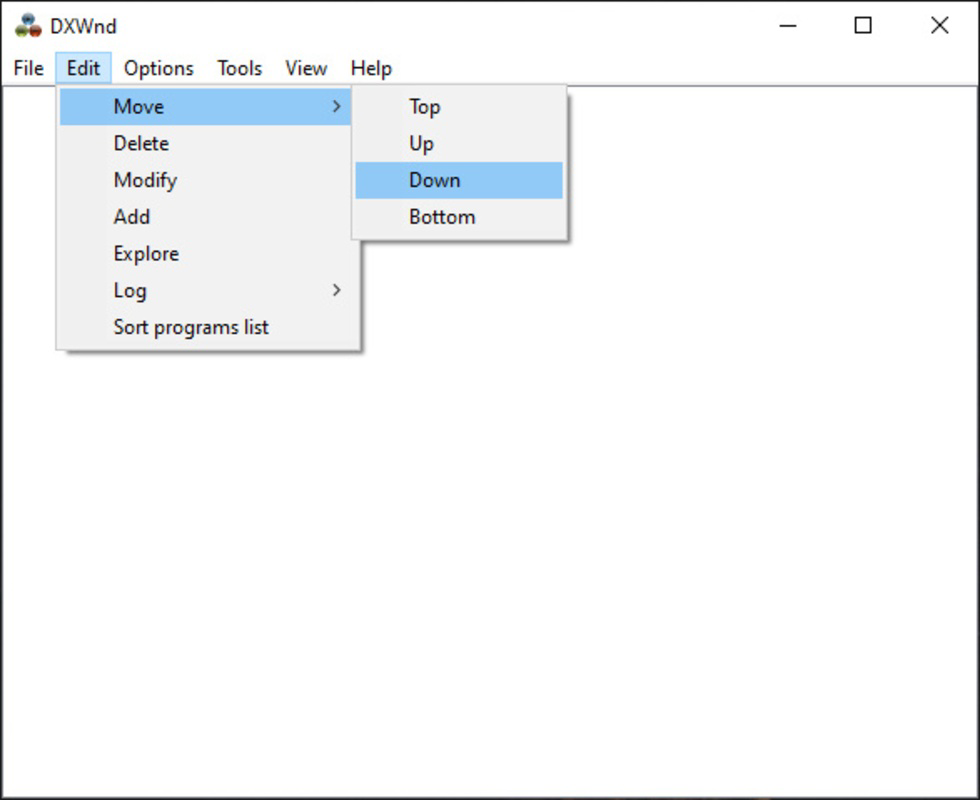
DxWnd features a minimalistic, no-frills interface that prioritizes functionality over visual polish. It operates primarily through configuration files and command-line parameters, which may be unfamiliar to users seeking a graphical setup wizard. However, this design choice reflects its utility-focused purpose. The application is lightweight and efficient, with no visible startup splash screen or background processes, ensuring it does not interfere with system performance.
Navigating the setup involves editing a simple configuration file to define which applications should be intercepted and how they should behave. While this requires a basic understanding of file paths and naming conventions, it allows for precise control over each game or program. The developer did not specify minimum OS requirements or compatibility details beyond the platform, so users should exercise caution when deploying it on newer or non-standard Windows configurations.
Although the developer did not list formal performance metrics, the small file size and low resource footprint suggest stable operation across a wide range of devices. Responsiveness is maintained during gameplay, and the app does not introduce noticeable lag or crashes in tested scenarios. Stability is likely due to its direct system-level interception method, which avoids unnecessary overhead.
Platform Compatibility & Technical Requirements
DxWnd is designed exclusively for the Windows operating system. It is available as a standalone executable with a file size of 1.8 MB, making it highly portable and suitable for use on various Windows devices. The application does not require installation, allowing it to be run directly from a USB drive or local folder.
The developer did not specify minimum OS requirements, nor did they list supported Windows versions beyond the general platform. As such, users should assume compatibility with modern Windows 10 and Windows 11 systems, which are common in retro gaming setups. However, the app may not function correctly on systems with strict security policies or sandboxed environments. Specific requirements were not listed.
Pros and Cons
Pros
- Free to download and use with no hidden costs.
- Extremely lightweight at only 1.8 MB.
- Enables windowed mode for full-screen games without altering original files.
- Supports a wide range of classic games from the Windows 95 and 98 era.
- Non-invasive setup with no installation required.
Cons
- No graphical user interface; configuration requires manual editing.
- Developer did not provide detailed compatibility information for all games.
- May not work with all modern or heavily patched titles.
- Setup may be challenging for users without technical experience.
- Platform is limited to Windows only.
FAQ
Is DxWnd safe to download and use?
Yes, DxWnd is a trusted utility among retro gaming communities. It does not contain malware or intrusive components and operates as a standalone tool without installing system changes.
Can I use DxWnd with modern games?
DxWnd is primarily designed for older games developed for Windows 95 and 98. While it may work with some modern titles, it is not optimized for them and may not provide consistent results.
Do I need to install DxWnd?
No, DxWnd is a portable application. It can be run directly from a folder without installation, making it easy to transfer between devices.
Is DxWnd compatible with Windows 11?
While the developer did not specify compatibility details, DxWnd is expected to work on Windows 11 systems, as it runs on the same underlying architecture as Windows 10.
How do I configure DxWnd for my game?
Configuration is done through a text-based settings file. Users must specify the game’s executable path and define window behavior. Detailed instructions are available in the official documentation.
Final Thoughts
DxWnd is a powerful, no-frills utility that brings much-needed flexibility to the world of retro gaming. It solves a persistent issue faced by modern users trying to play classic PC titles—namely, the inability to multitask due to full-screen monopolization. With its lightweight design, free access, and broad compatibility with legacy software, it stands out as an essential tool for anyone preserving or enjoying old PC games.
While the lack of a graphical interface may deter some users, the trade-off is precision and control. For retro enthusiasts, developers, and collectors, DxWnd offers a reliable, secure, and efficient way to enjoy gaming history without the headaches. Its ability to run old games in windowed mode while preserving authenticity makes it a standout in the productivity and utility space.
Download DxWnd now
Guides & Tutorials
How to install DxWnd
- Click the Download button above.
- Once redirected, accept the terms and click Install.
- Wait for the DxWnd download to finish on your device.
How to use DxWnd
This software is primarily used for its core features described above. Open the app after installation to explore its capabilities.
User Reviews
No reviews yet. Be the first to share your experience.
You may also like
more
Que no te pillen¡
About !Que no te pillen¡Reviewed by Jason A. BilbreyShow MoreShow Less

3D Combat Zone
About 3D Combat ZoneOriginally released in 1983, 3D Combat Zone immerses players...

666: El día del portal
About 666: El día del portalOn June 6, 2006, Agent P. Stone uncovers a sinister...

80 in 1 Best Flash games
About 80 in 1 Best Flash games 80 in 1 Best Flash games is a collection of 80 fl...

ABYSS SEEKERーーWhat Do You See Deep in The Abyss
About ABYSS SEEKERーーWhat Do You See Deep in The AbyssIn ABYSS SEEKER, players...

ACA NEOGEO THE KING OF FIGHTERS 2002 for Windows
About ACA NEOGEO THE KING OF FIGHTERS 2002 for WindowsTHE KING OF FIGHTERS 2002,...